




NTA will release the JEE Main 2026 Admit card 3-4 days before the JEE Main session 1 exam.
You will be able to download the admit card using your JEE Main application number and password from the official website till your exam date.
- The admit card is a mandatory document to carry to the exam hall.
- The admit card contains details such as your name, roll number, address of the exam centre, shift times.
- It is mandatory that the candidates bring two printed copies of the admit card with a valid photo ID proof at the location of the examination.
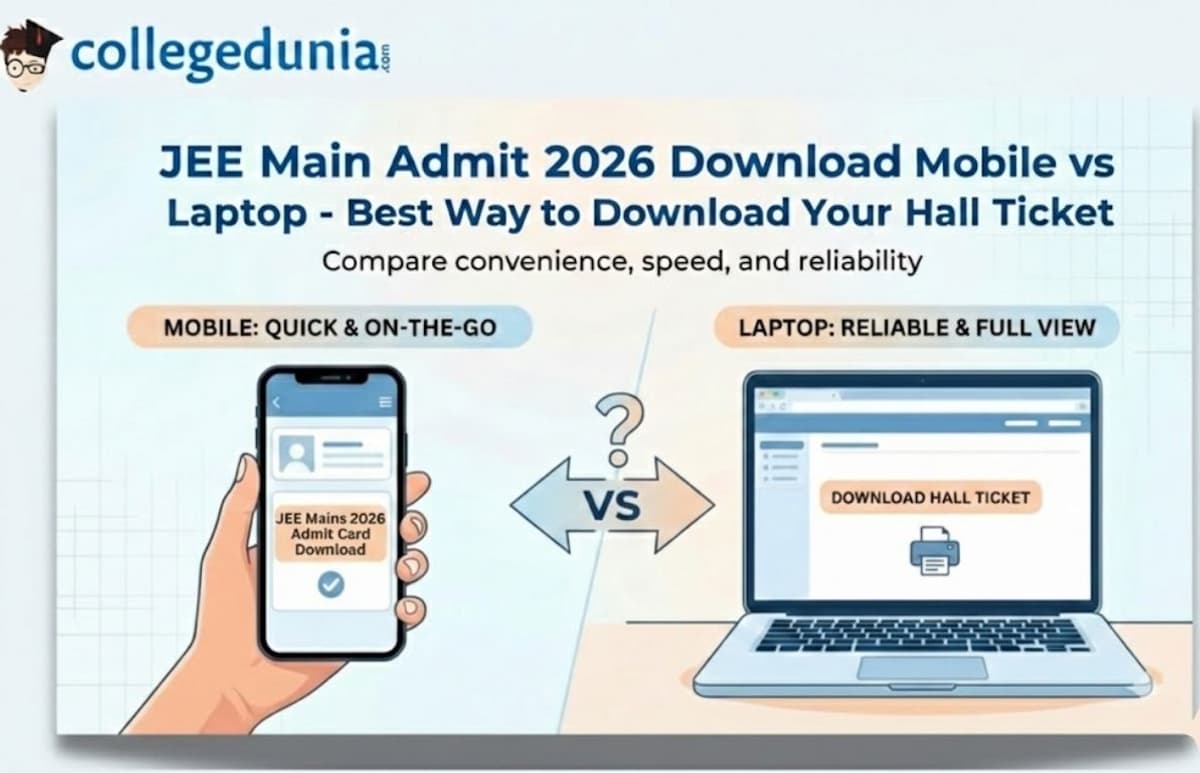
Most candidates are left with the question of whether they should use their mobile phones or laptops to download the admit card of JEE Main. In this article, a detailed comparison will be made to assist the candidates in selecting an informed option.
Also Read:
- JEE Main 2026: City Intimation Slip (out), Exam Dates, Previous Year Papers and Mock Test
- Check the expected date for the JEE Main Admit Card 2026
Key Summary
- JEE Main 2026 Admit Card will be released 3–4 days before the exam.
- An admit card is mandatory for exam entry; candidates must carry at least two printed copies with a valid photo ID.
- Laptop is the better option for downloading because of a larger screen, easier detail verification, and direct printing.
- Mobile can be used for downloading in emergencies or while travelling, but verification and printing are more difficult.
- Small mobile screens can cause candidates to miss errors in name, photograph, signature, or exam details.
JEE Main Admit Card 2026: Mobile vs Laptop Quick Comparison
- For downloading your JEE Main 2026 admit card, a laptop is a better device on the grounds of its large display and the ability to directly print if the printer is connected.
- Mobile devices are suitable for the downloading process as well, but it will require additional steps for downloading.
- As you need to have hard copies (preferably two copies) on test day, a laptop with a printer allows you to simplify the process and reduce possible mistakes.
| Feature | Mobile Download | Laptop Download |
|---|---|---|
| Convenience | Download anywhere, anytime | Requires desk setup |
| Screen Size | 5-7 inches (smaller) | 13-17 inches (larger) |
| Verification | Difficult to spot errors | Easy to review details |
| Printing | Requires additional steps | Direct print option |
| Internet Stability | May face connectivity issues | Generally more stable |
| PDF Quality | Sometimes compressed | Full resolution |
Also Read:
High Weightage Chapters for JEE Main 2026 Based on January 2025 Analysis
Downloading JEE Main Admit Card on Laptop
Laptops remain the preferred choice for most JEE Main aspirants due to their larger displays and seamless printing options.
Why is Laptop Better to download the JEE Main Admit Card?
| Aspect | Advantage |
|---|---|
| Detail Verification | A larger screen displays the photograph and signature clearly |
| Data Accuracy | Easy to spot spelling mistakes in the name, father's name, or other details |
| Printing | One-click print to a connected printer |
| Storage | Better file management and backup options |
| Form Filling | Keyboard input reduces errors during login |
Recommended Steps for Laptop Download
- Visit the official website jeemain.nta.nic.in
- Click on the JEE Main admit card download link
- Sign in using your application number. Type the password/DOB.
- Carefully review all printed information
- Check the photograph and signature clarity
- Verify the exam centre address and shift timing
- Store PDFs in as many places as possible (desktop environments, email, cloud environments, etc.)
- Print out at least 2-3 copies on A4-size paper.
Pro Tip: When printing, use the zoom facility on your PDF such that your photograph is in focus, and all the replicas are readable. Report any irregularity immediately to NTA. The helpline numbers are 011-40759000 or 011-69227700.
Also Read:
- What to Carry with JEE Main Admit Card 2026 on Exam Day
- JEE Main Syllabus 2026: Physics, Chemistry, Maths Chapter Wise Weightage, Deleted Topics Pdf
Ques. What if I do not have a laptop at home?
Ans. Visit the library, or you can take the help of a friend to get your JEE Main admit card printed and downloaded.
Ques. Can I forward the admit card from my mobile to my laptop?
Ans. Yes, absolutely. You may email the PDF to yourself, or send it to yourself using WhatsApp Web, or store it in cloud storage such as Google Drive or Dropbox, where you can easily access it on your laptop.
Downloading JEE Main Admit Card on Mobile
Mobile phones offer convenience, especially for candidates who are travelling or don't have immediate access to a computer during the admit card release window.
Advantages of Mobile Download
- Check the admit card anywhere with an internet connection.
- Fast mobile download through mobile browser: Chrome, Safari, Firefox
- Can share the PDF instantly via WhatsApp or email to family members
- Useful for emergency downloads if you've misplaced your printed copy
- Allows quick verification of exam date and centre immediately after release
Challenges with Mobile Download
- The small screen makes it difficult to verify the photograph and signature quality
- Errors in personal details (name spelling, date of birth, category) might go unnoticed
- Direct printing from a mobile device can be complicated without a wireless printer
- PDFs might not show completely on all mobile websites
- Touch-based login can lead to input errors in the application number or password
- The downloaded file may get lost among other phone downloads
Steps for Mobile Download
- Visit jeemain.nta.nic.in on your mobile browser
- Navigate to the JEE Main admit card download section
- Enter your application number and password/date of birth carefully
- Verify your details on the screen by zooming in
- Download the PDF to your phone
- Transfer to a computer via email, WhatsApp, or cloud storage for printing
- Alternatively, use a print app if you have a wireless printer at home
Also Read:
Ques. Will I be able to download my JEE Main admit card only on mobile?
Ans. Yes, download the JEE Main admit card on your phone. To print, you must first copy it into a computer with a printer.
Ques. Is mobile download safe and secure?
Ans. Yes, it is absolutely safe to download on mobile with the help of the official NTA site. Only open on jeemain.nta.nic.in. Do not go to suspicious links or websites.
Expert Recommendations
It has been highly encouraged by experts as well as past JEE Main toppers that the JEE Main admit card should be downloaded on a laptop. The bigger screen will make sure that you do not miss any discrepancies that can lead to issues in the exam centre.
But, when you are commuting or can only access it via your phone, then download it to your phone right now, but remember to:
- Zoom in to check your photograph and signature
- Check the spelling of your name and name of your father.
- Confirm date of birth and category details
- Check exam centre name and complete address
- Note your exam date and shift timing
- Send the file to a laptop and now print.
Check: JEE Main Paper Analysis: Check Previous Year Difficulty-Level Analysis & Question Paper
Important: When there is any inconsistency in the name, date of birth, sex, centres of examination, category or photograph of the JEE Main Admit card, contact the NTA immediately. Support your claim through helpline numbers or email before the examination takes place.
Ques. Can I verify all details properly on a mobile screen?
Ans. Although feasible, it is difficult to track minor mistakes on a mobile screen. Use the pinch-to-zoom feature extensively to check your photograph, name spelling, and all personal details carefully.
Printing Considerations
Whether you are downloading on a mobile or a laptop, the quality of printing is very important in the JEE Main admit card. Prefer to use a laser printer since inkjet prints can easily smear or wear off. The admit card also needs to be printed on A4-size paper in a legible and readable font with a crisp photograph.
Printing Checklist:
- Print on white A4-size paper
- Use good good-quality printer with sufficient ink/toner
- Ensure the photograph is clearly visible
- All text should be sharp and readable
- Take printouts well before exam day to avoid last-minute issues
- Keep backup copies at home
Check: JEE Main 2026 Preparation Guide: Study Plan, Strategy, Tips & Resources
Ques. What print quality is required for the JEE Main admit card?
Ans. Printing should be precise and clear, and with a sharp photograph. Although black and white printing is okay, the barcode (where there is one) and the photograph must be readable. Inkjet is inferior to laser printing.
| JEE Main 2026 Mock Test: Subject Wise | ||
|---|---|---|
| JEE Main Physics Mock Test | JEE Main Chemistry Mock Test | JEE Main Maths Mock Test |
Final Thoughts
Although mobile phones may provide unquestionable convenience in downloading the JEE Main 2026 admit card, laptops are more likely to be selected for this important task.
Laptops would be the best choice when downloading and printing your admit card due to the combination of a bigger screen, ease of verification, and direct printing options.
Ideally, the candidates should use two devices: download on a laptop to print and verify details carefully, and have a backup on the phone (for any emergency on exam day). This is the ultimate way to be ready in any situation.



Comments